Prefer a browser?
Use the same login on any computer or phone browser – no installation required.
Open the web app ↗Attendance, leave, approvals, payslips and announcements in your pocket. Install the Android app, or use the web app from any browser.
Version 1.0.0 (build 27) · Android 7.0 or later · Free to install · Sign-in for registered companies and their employees
Tap Download Android App above. The file NovatureHRMS.apk downloads straight to your phone. If Chrome asks whether to keep the file, tap Download anyway.
Open the downloaded file from the notification or the Files / Downloads app. Android asks for permission the first time: tap Settings and switch on Allow from this source for Chrome or Files, then press back.
Path on most phones: Settings → Apps → Special app access → Install unknown apps.
Illustration – wording differs slightly by phone brand
Tap Install. If Google Play Protect shows a warning for an unknown developer, tap More details → Install anyway. When finished, tap Open. The Novature HRMS icon also appears on your home screen.
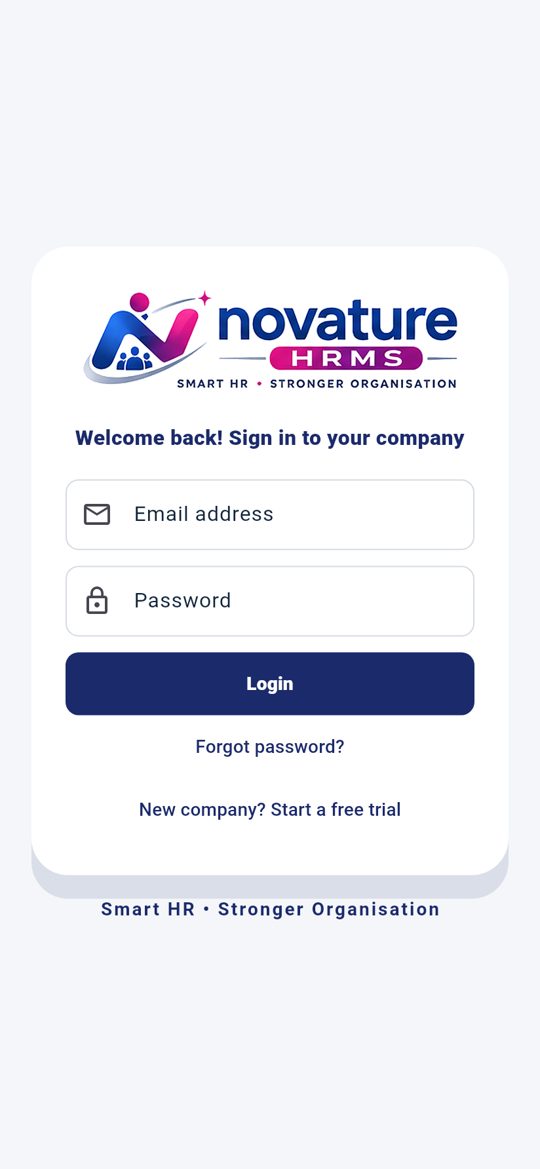
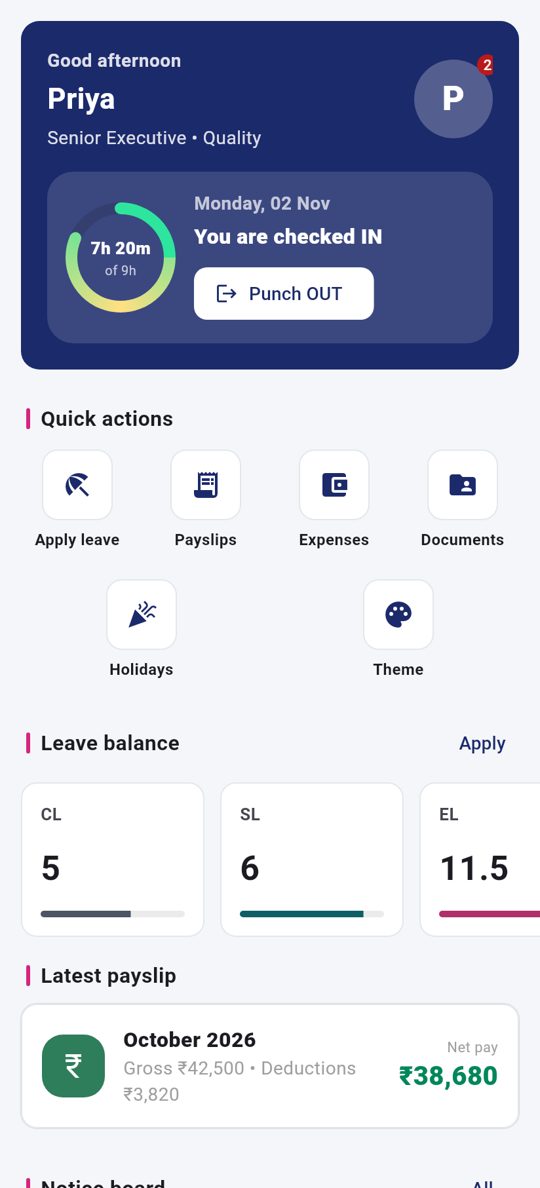
Enter the email and password given by your company HR administrator and tap Sign in. Forgot your password? Tap Forgot password? on the sign-in screen. Employees see their home screen with attendance, leave, payslips and announcements.
Use the same login on any computer or phone browser – no installation required.
Open the web app ↗Download again from this page and install over the existing app. Your data stays on the server, so nothing is lost.
Download latest ↑Contact your company HR administrator first. Administrators can reach Novature support by email or WhatsApp.
Get support ↗HR administrators: follow the step-by-step company setup guide.